 Dukan.TM
Help center
A short guide to how things work and where to tap.
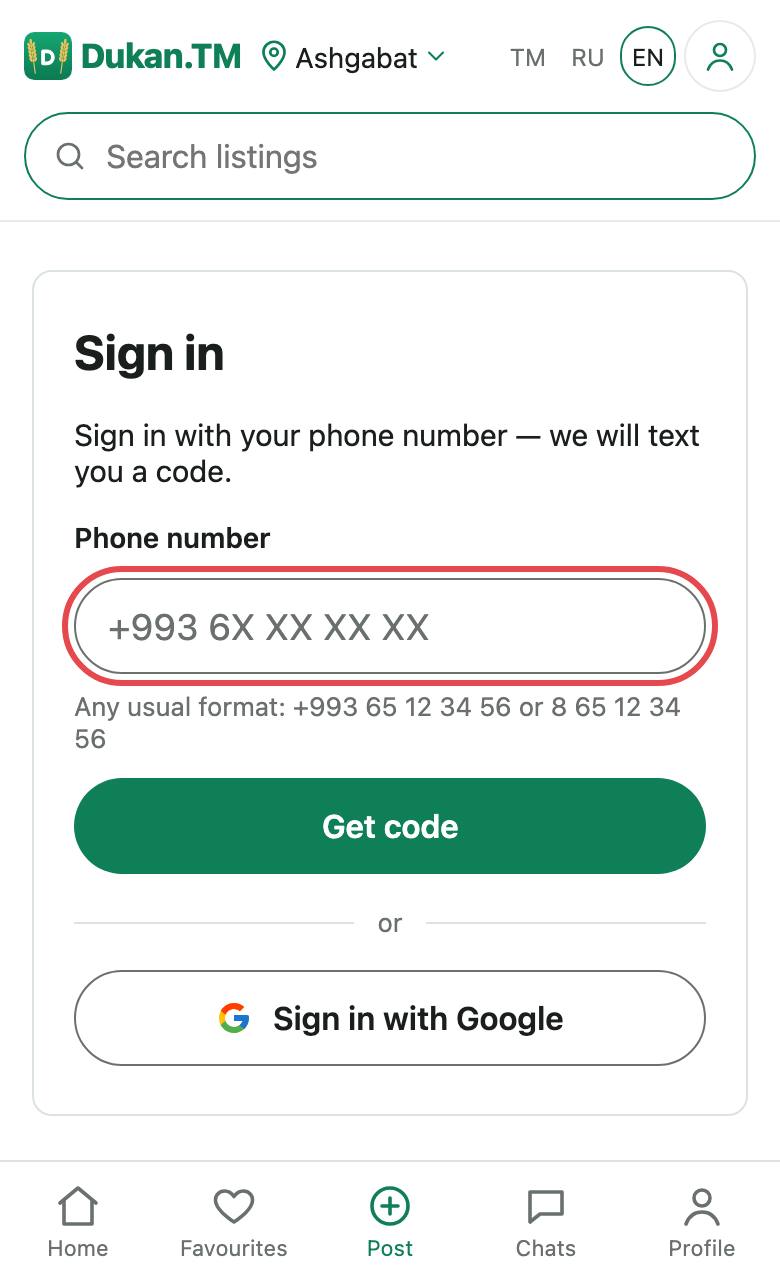
How to sign in
- Tap Sign in.
- Enter your phone number and tap Get code. Numbers starting with +9936 and +9937 are accepted.
- Enter the code from the SMS. It is valid for 5 minutes.
You can also sign in with Google, but without a confirmed phone you cannot post listings, message sellers or see their contacts. You can link a phone later in your profile.
How to post a listing
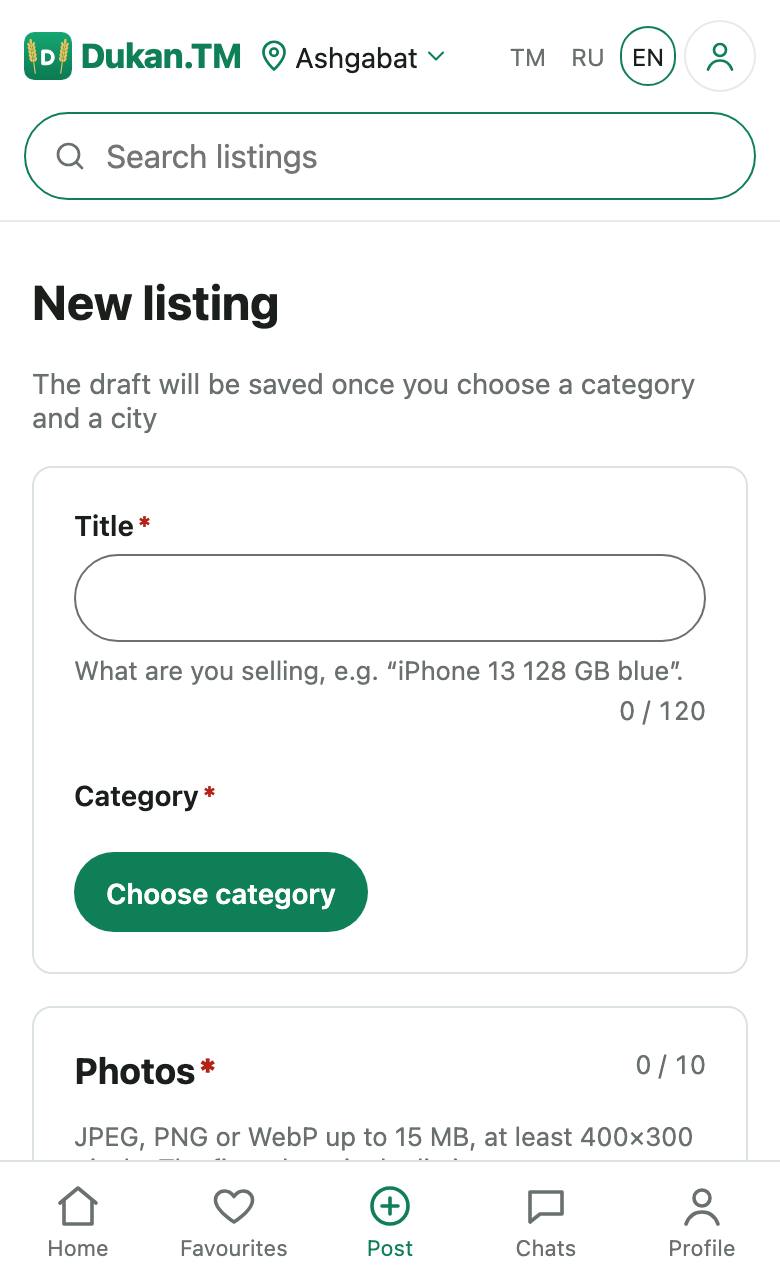
- Tap Post an ad, or Post in the bottom menu on a phone.
- Choose a category, write a title and description, set the price and place.
- Add up to 10 photos: JPEG, PNG or WebP, up to 15 MB, at least 400×300 pixels.
- Send the listing for review.
Do not put phone numbers, links or messengers in the text or photos: such listings are rejected. Buyers will see the contacts from your profile.
Buyers see an approximate place, not your exact address. After publication the listing is automatically translated into the site's other languages.
Review and rejection
Listings are checked automatically, and doubtful ones are looked at by a moderator. A check usually takes up to an hour, a manual one up to a day.
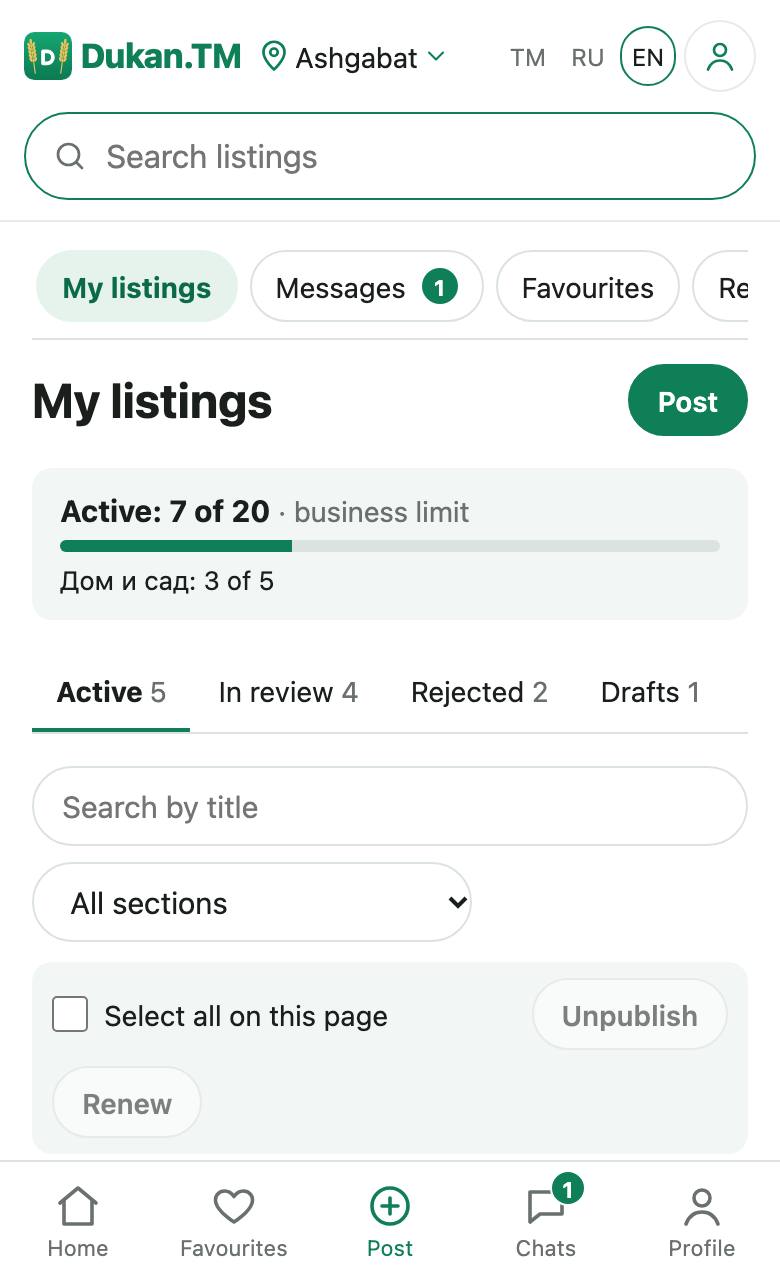
If a listing is rejected, you will see the reason under My listings. Fix it and send it again. See the rules for what cannot be posted.
Listing periods and management
A listing lasts 60 days. You can renew it for another 60 days, no more than once a day. When the period ends, the listing moves to the archive, and you can restore it from there: it will be reviewed again.
All of this is under Dashboard → My listings, where you can also see your limit of active listings.
How to contact a seller
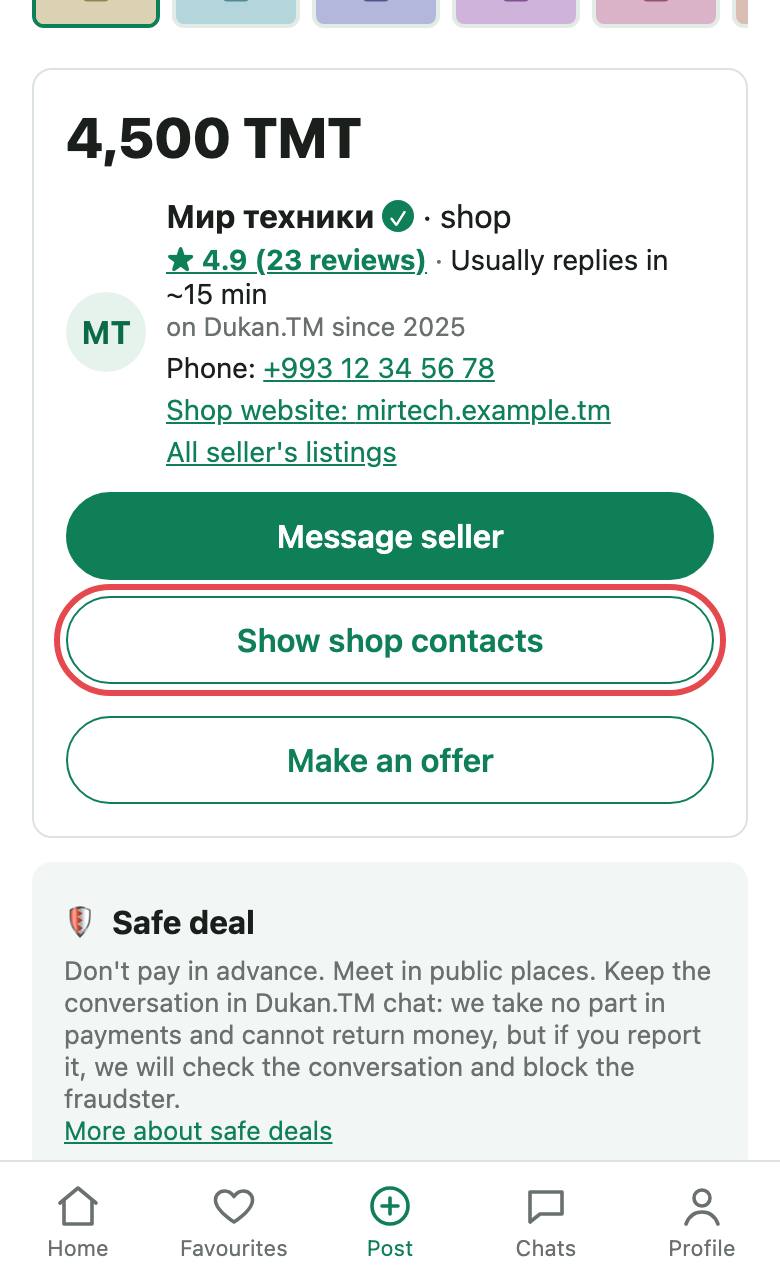
A listing page has the buttons Message seller, Show seller contacts and Make an offer. They work after you sign in with a phone. Contacts are shown only if the seller allows it.
A shop's contact phone and website are visible to everyone.
Chat
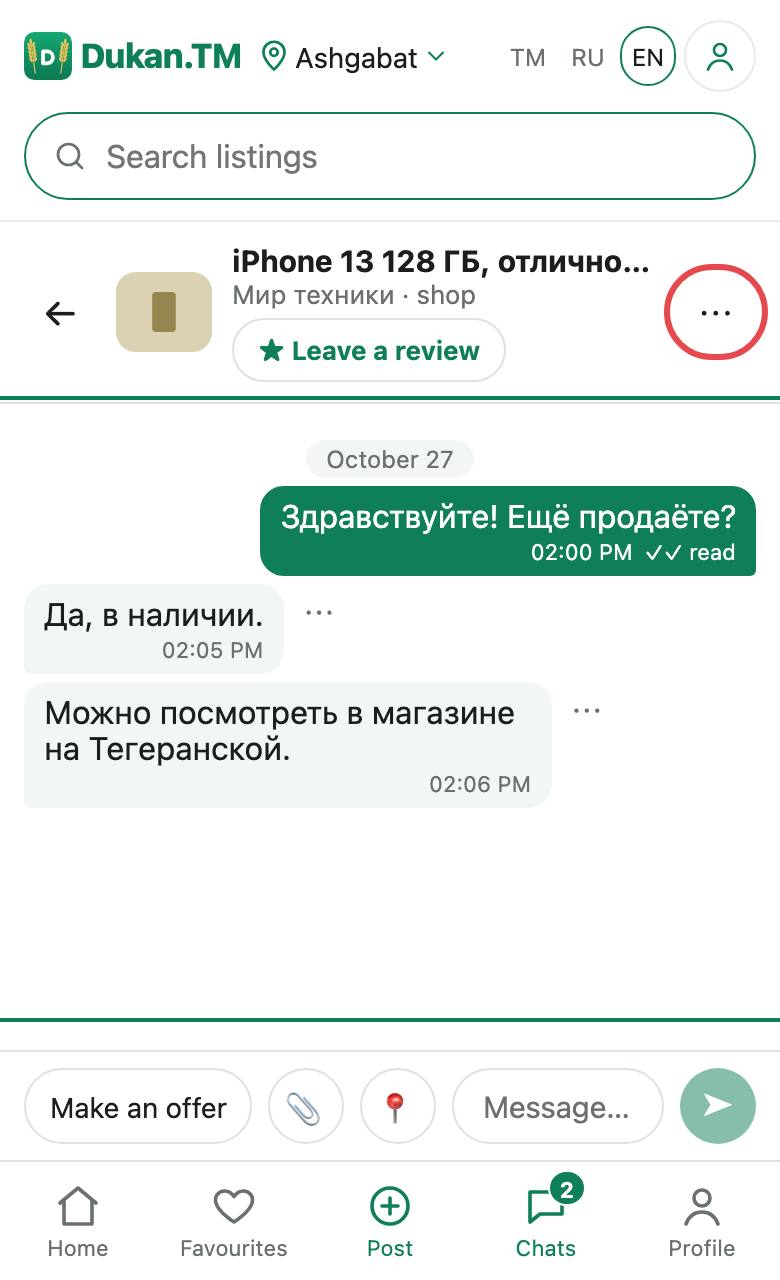
In chat you can send text and photos, share a map location and bargain: make, accept, decline or withdraw an offer.
If someone behaves badly, open the menu at the top of the conversation: it has Report and Block. See Safe deals for more.
Your contacts
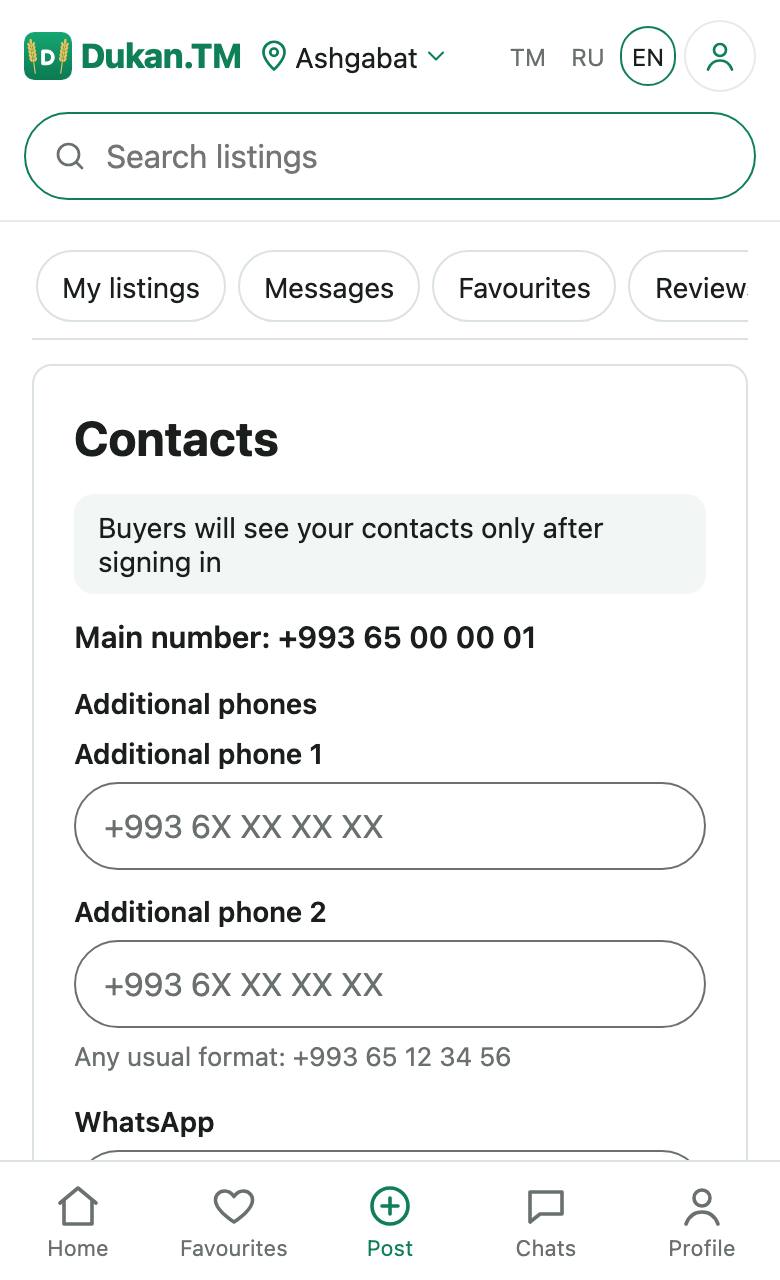
Under Dashboard → Contacts you choose what buyers see: phone, WhatsApp, Telegram, imo, Instagram, website. You can show nothing, and then buyers will only write in chat. Guests do not see private sellers' contacts.
Favourites and reviews
Tap ♡ on a listing to save it in Favourites. You can follow a seller on their page.
You can leave a review if the seller has replied to you in chat: a day after the first reply, or right after an accepted offer. Contacts are not allowed in reviews.
Emails
If you confirm an email in your profile, we will remind you by email about unread messages. The email does not contain the conversation text. You can turn these emails off in your profile or with the link in the email.
Shops and companies
To become a shop, send an application and wait for the check. Then top up your balance and pay for the status. Prices and steps are on the Shops and companies page. There is no online payment yet: the balance is topped up in cash or by bank transfer through a staff member.
App on your phone
To install the app on iOS or Android, use this guide.
Blocking and deleting an account
If an account is blocked, we show the reason. If you disagree with the decision, write to support@dukan.tm.
You can delete your account under Profile → Delete account. You can cancel the deletion within 14 days. If a shop balance still holds money, get it returned through support first. See Privacy for what gets deleted.
Did not find an answer?
Write to us at support@dukan.tm. We are a small team, so a reply may take a while.